Adding Additional Classes to a Wordpress Block

Wordpress (Automattic) allow website designers to add custom classes to their designs within the Black Editor.
While Wordpress.com say that this is possible you need to know what you are doing and know what CSS (Custom Style Sheets) are.
The appearance of elements on your website are normally determined by the Theme that you are using. This can include the font used and the colour of the text and the background. The "styling" set by the Theme can be over-ridden by additinal CSS code added to your account.
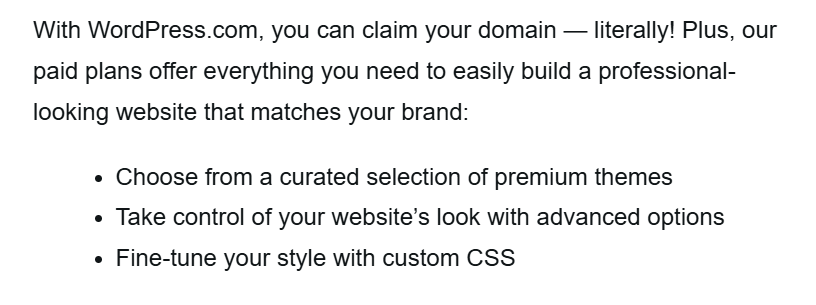
Custom CSS
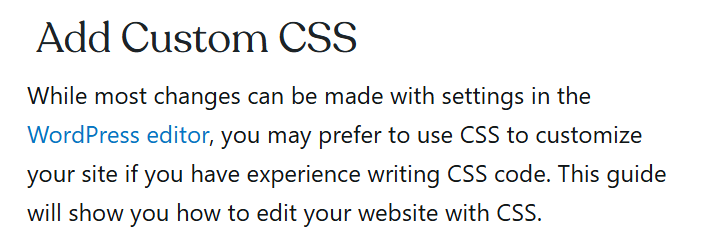
Wordpress.com provide a quide to show you how to do this.
Explorer Price Plan
£7 per month billed annually (£84).
Like so many other features of Wordpress extra features are only available on more expensive subscriptions.
I guess this makes sense, the "novice" website creator will not know what a "class" is, but there again if they do then they probably shouln't be using Wordpress.
Explorer, Creator, and Entrepreneur plans seem to be new to Wordpress
Custom Classes
The wordpress page "Add Custom CSS" supposedly explians how:

Wordpress have made this doubly confusing as there seems to be a difference between adding Custom Classes to the basic editor and to the Block Editor.