Slideshow controls - the future maybe
12 July 2026 - Having returned to the Crawler pages I see that I was going round in circles on the slideshow/carousel development. I have a working solution and I am sure that I will continue it sometime in the future.
I think that I was to be "too clever" here and I was attempting to hide and display control buttons at the same time as developing the code that the buttons "drive". At the moment I have a hybrid of the carousel and the showslides examples from the W3C site and I can pause and resume the display of the images as well as change the speed of their display. I say "hybrid" as carousel() was always automatic and showslides() was manual.
The code for the stop() function seems to work for the "Pause" in carousel() control loop. The resume() function resets the setTimeout() back to its last value (well at least I think that is what is doing) - The code on this page currently shows that commented out - but the page doesn't work.
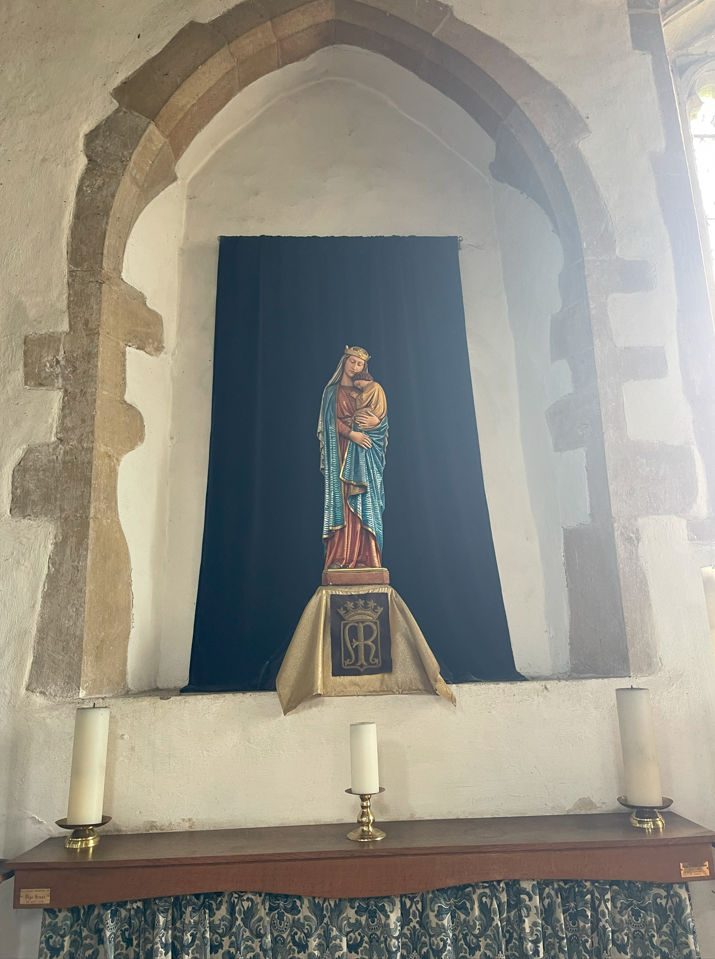
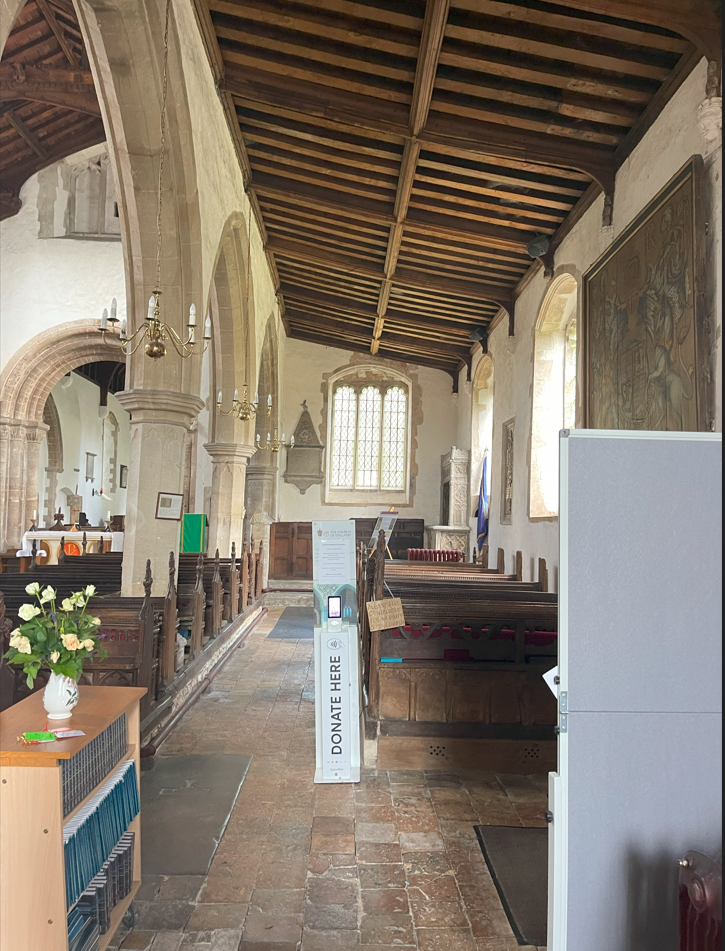
This page uses images from my Lakenheath churchcrawler page.
I have moved the display of the slideshow to here as it makes no sense in the body
It may be a coincidence but there is a war going on and there is US airbase at Lakenheath
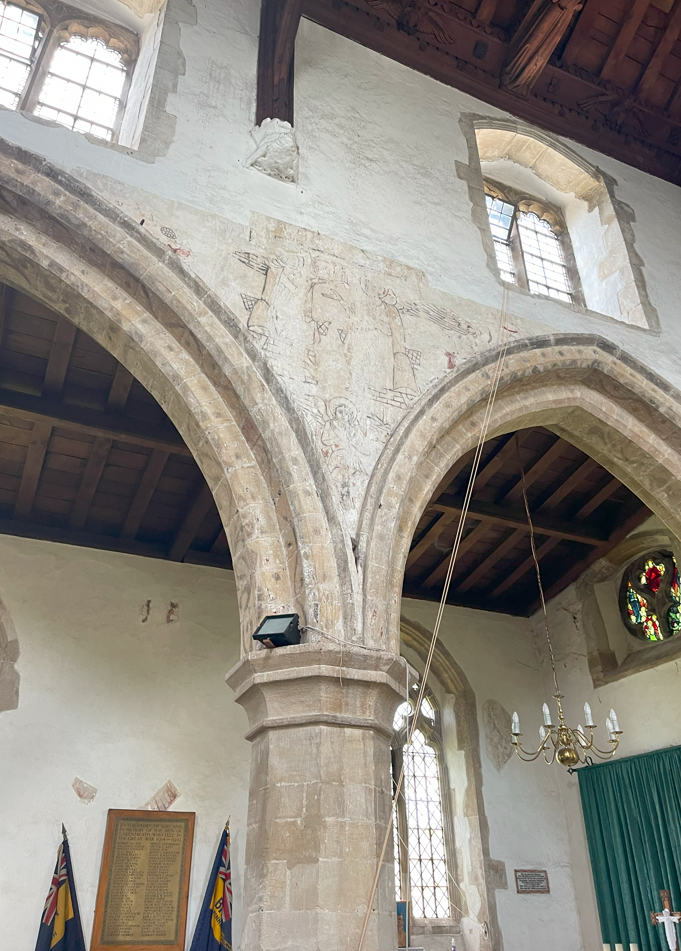
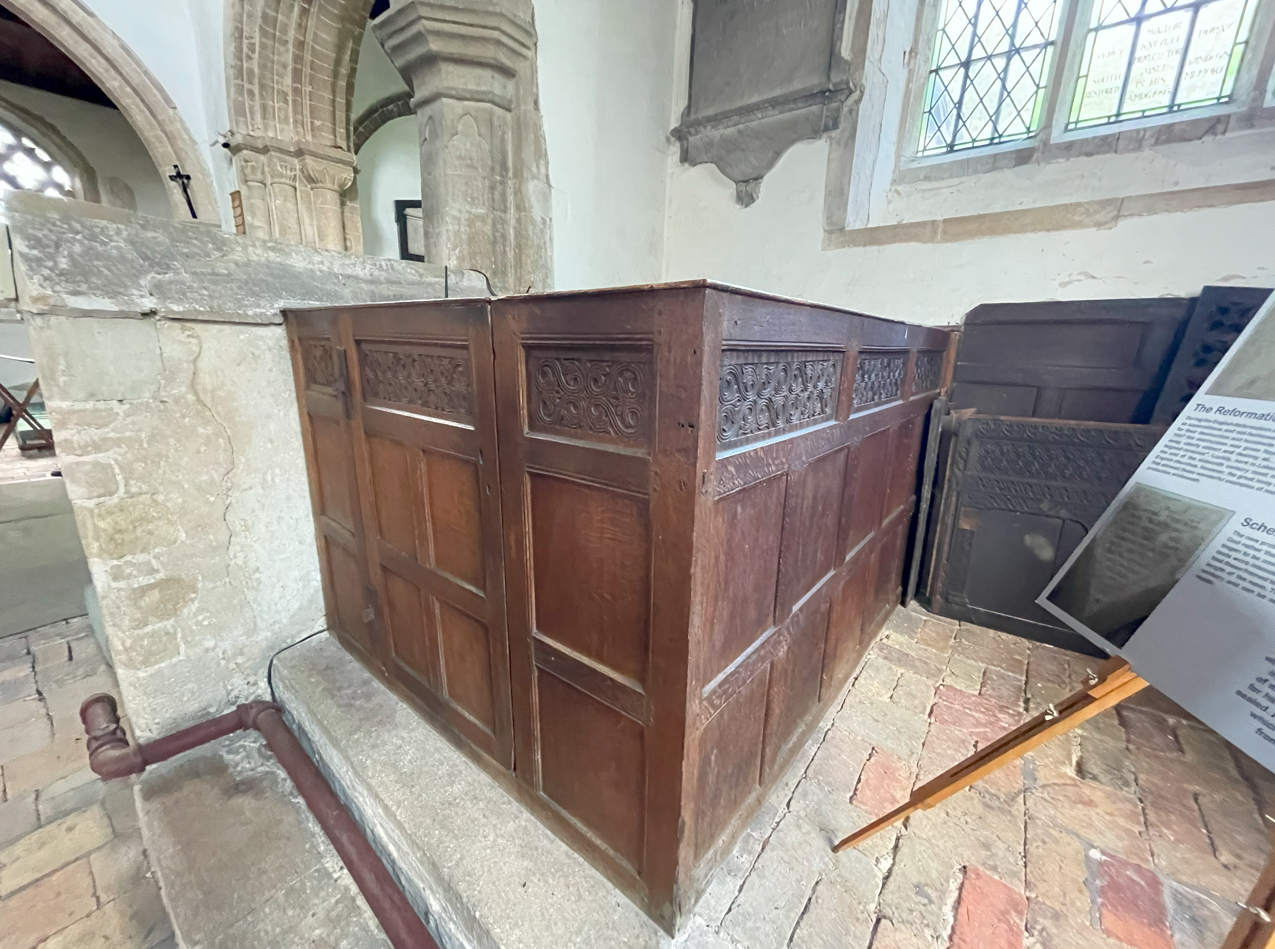
1 - Wall paintng North Aisle
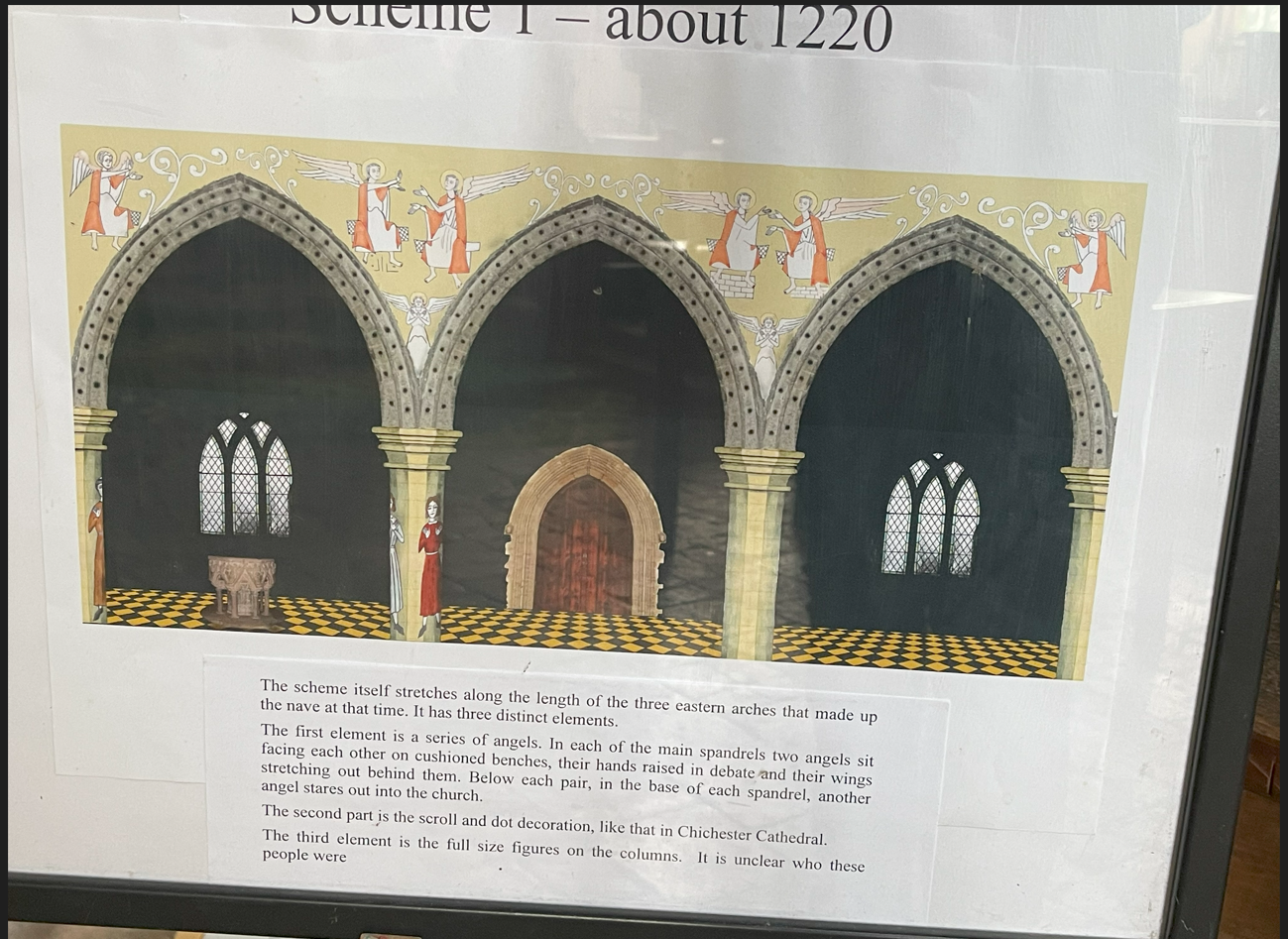
2 - Storyboard show one of Wall Painting Schemes
3
4
5
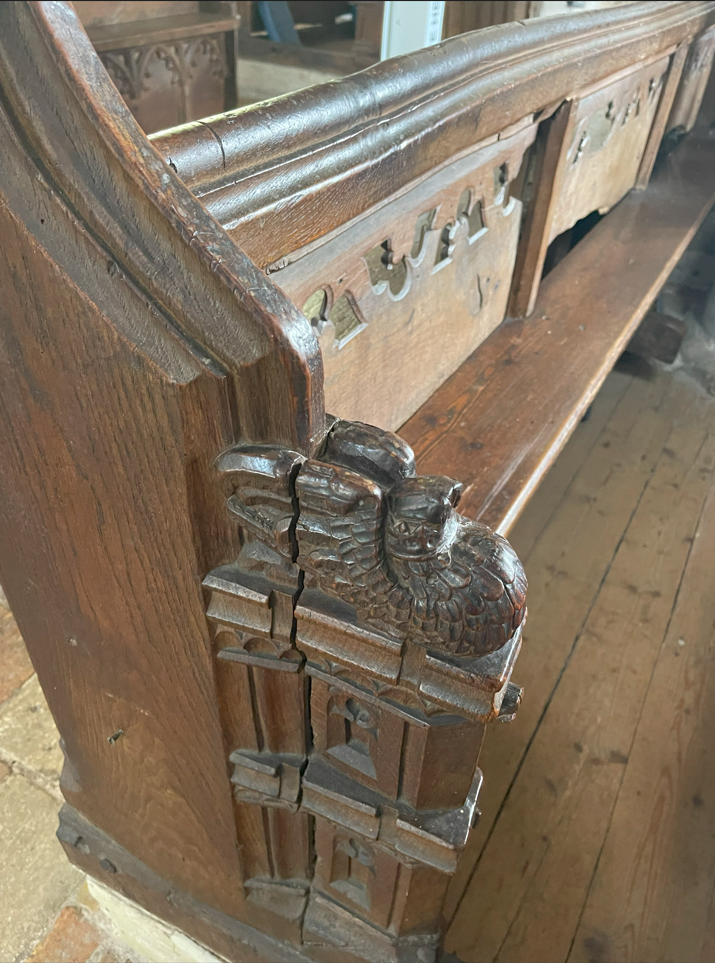
6
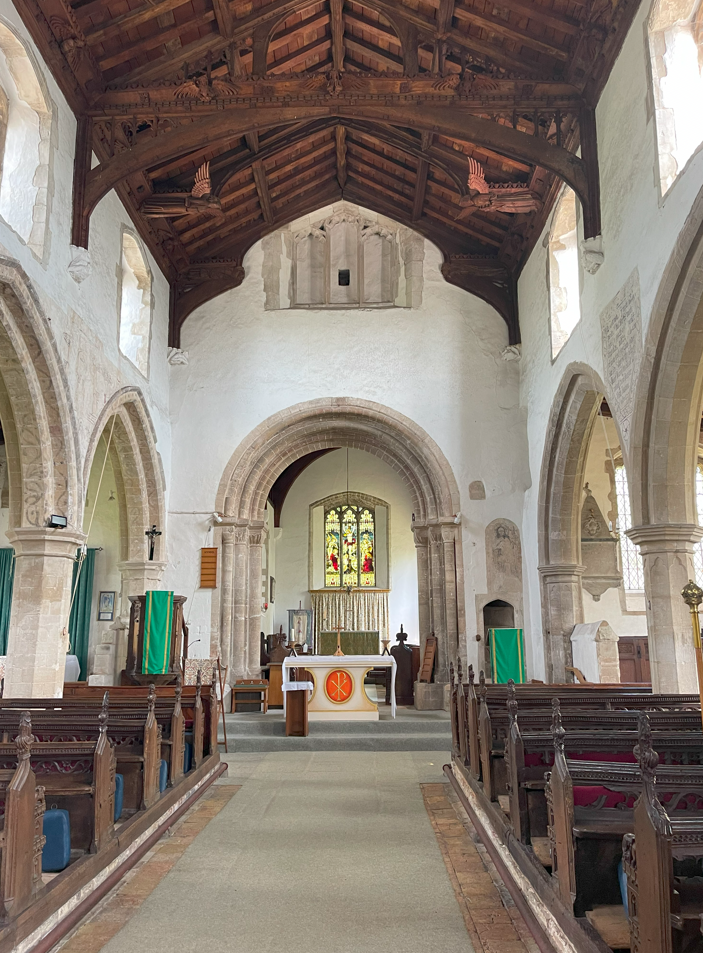
7
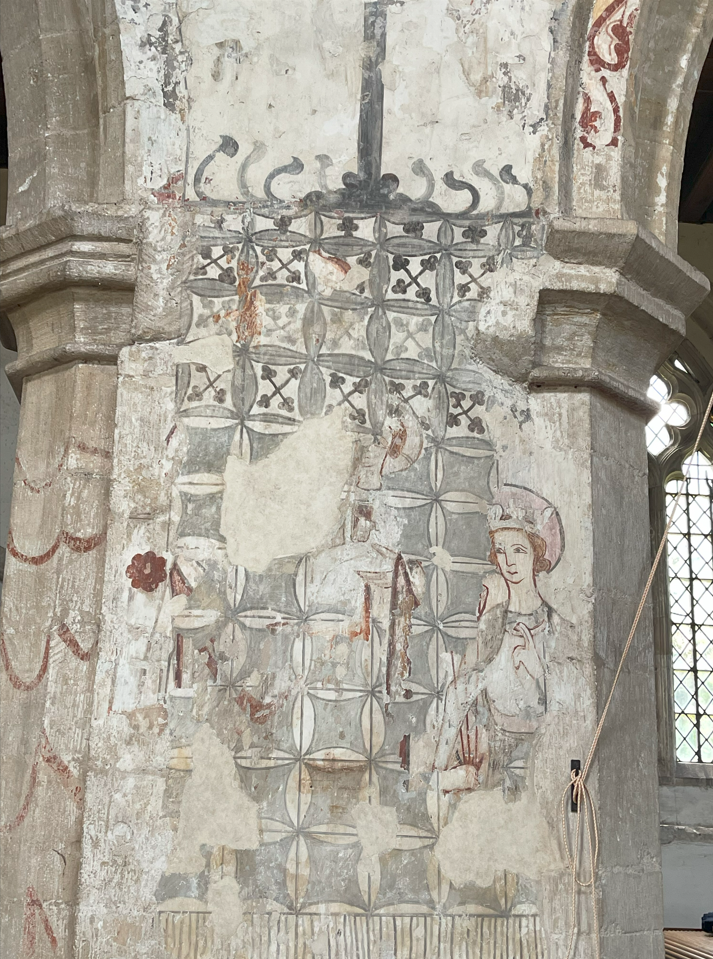
8
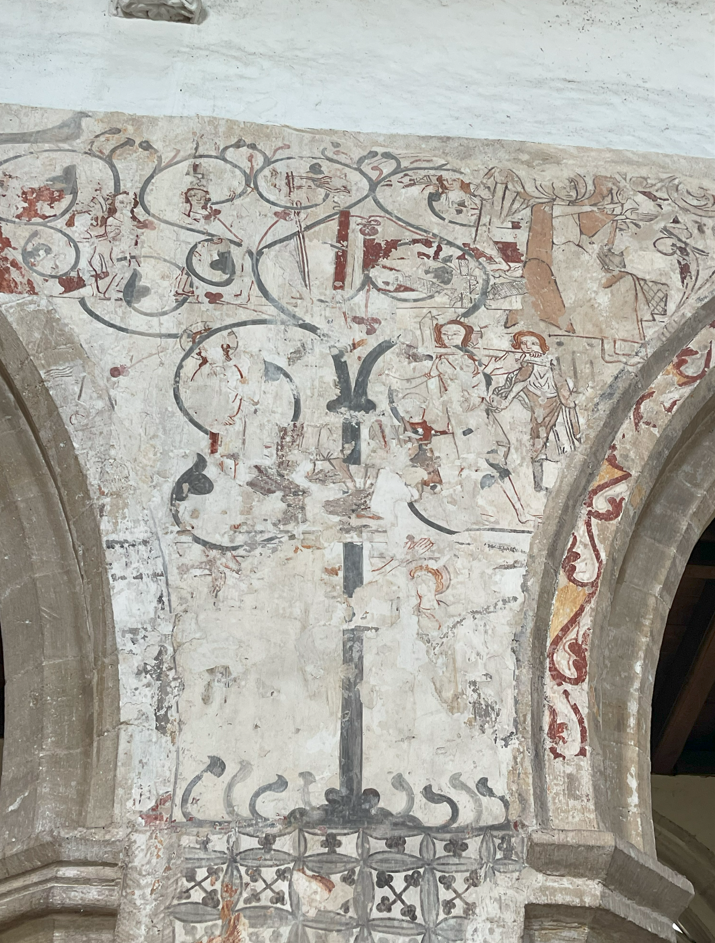
9
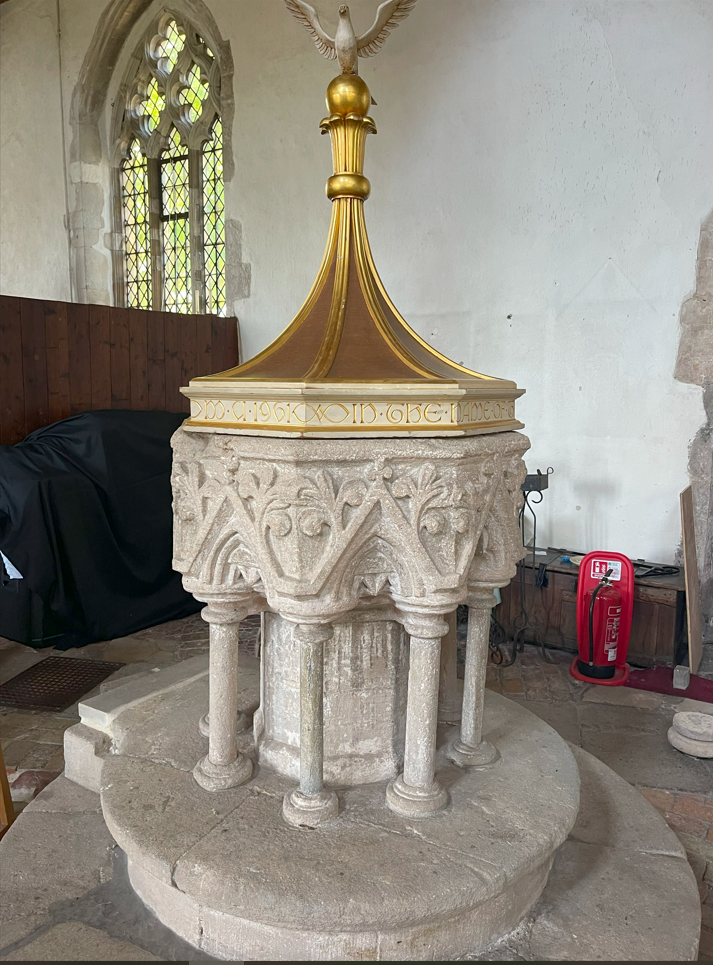
10
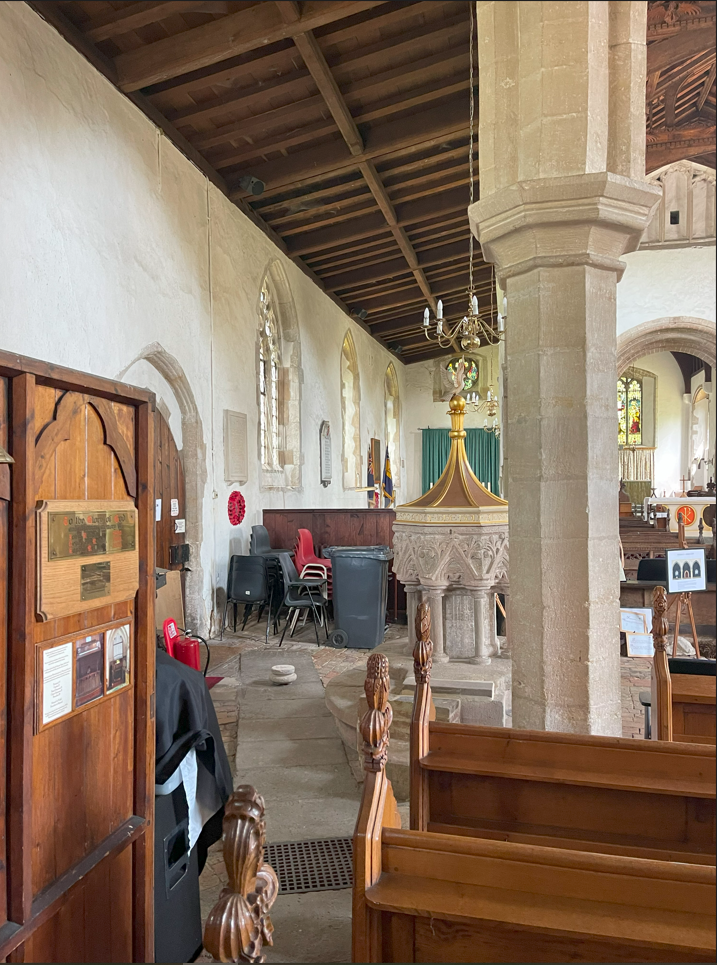
11
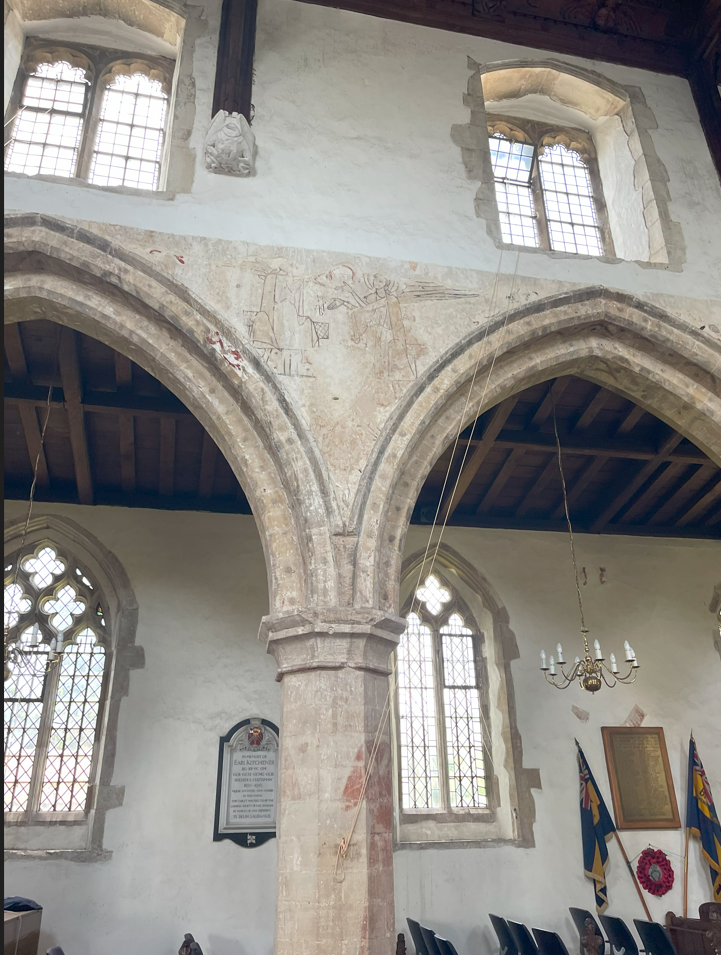
12

13
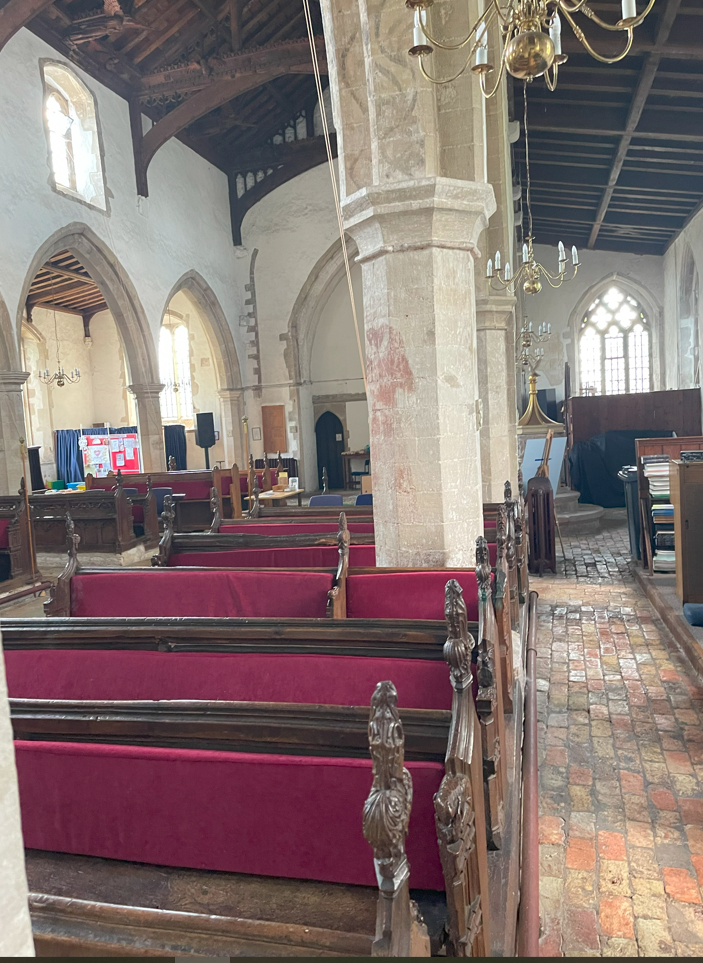
14
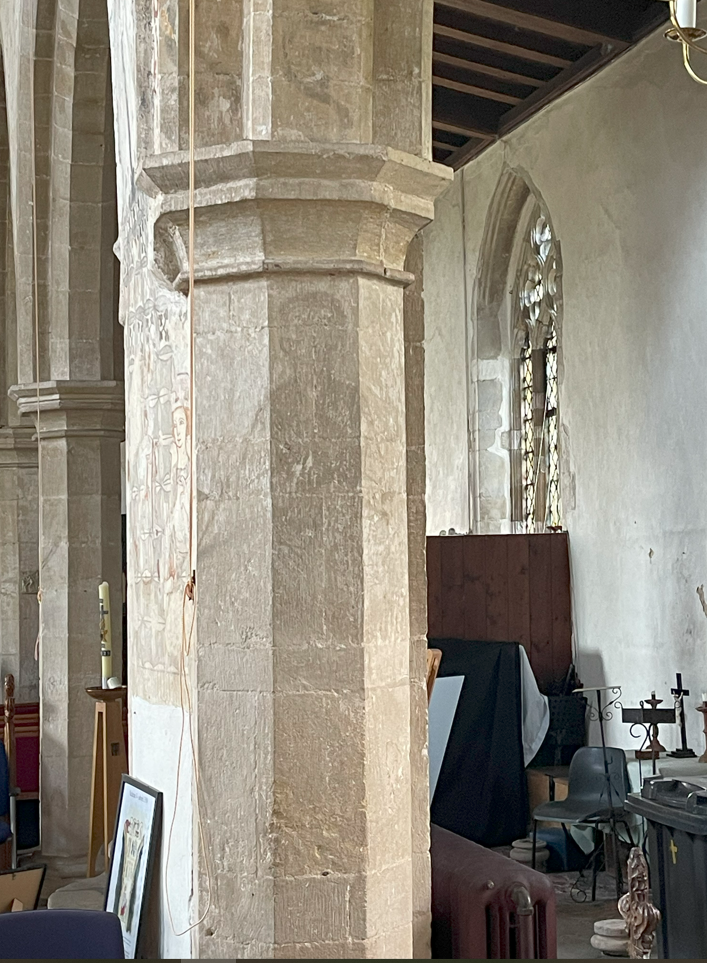
15
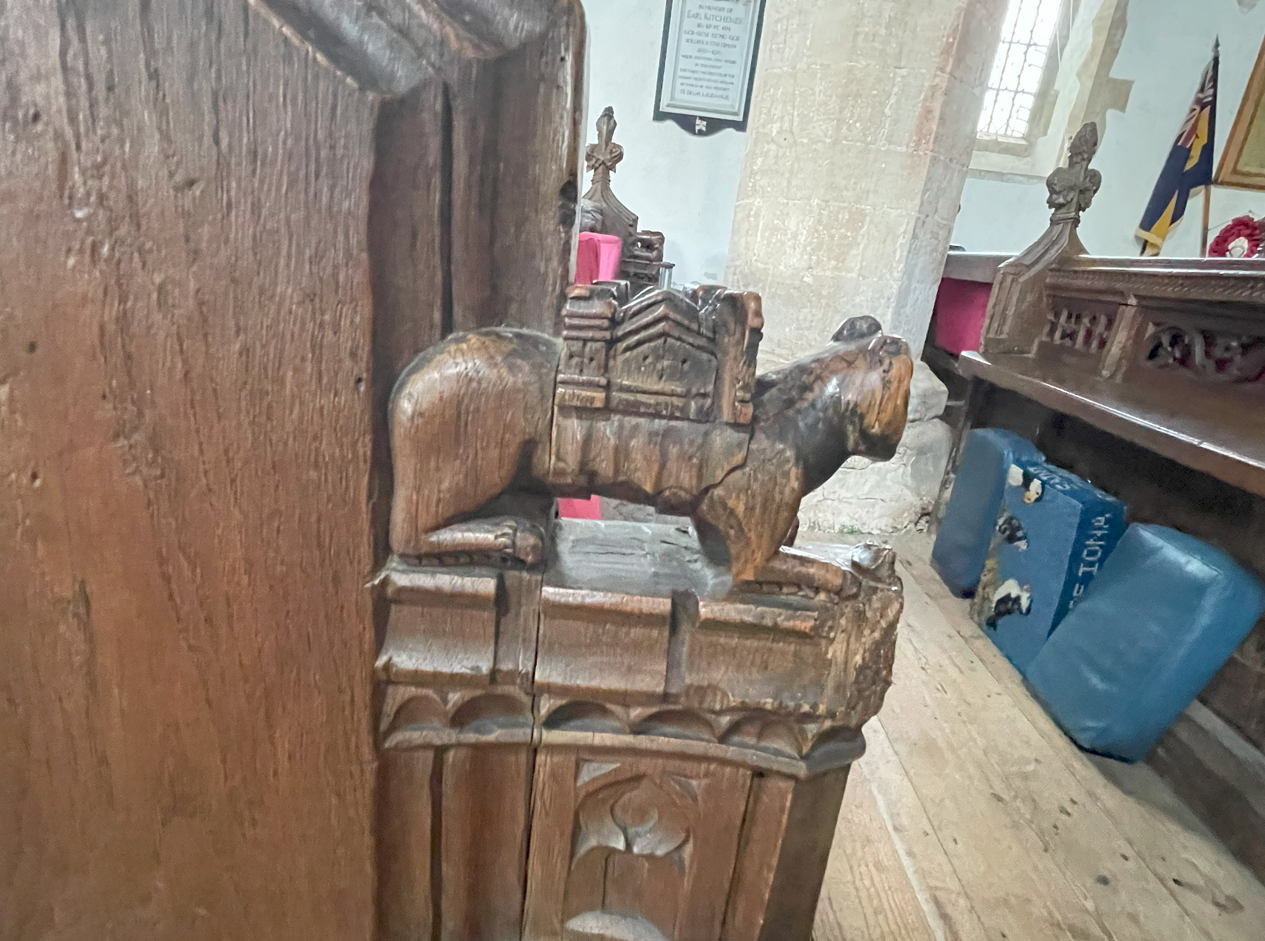
16
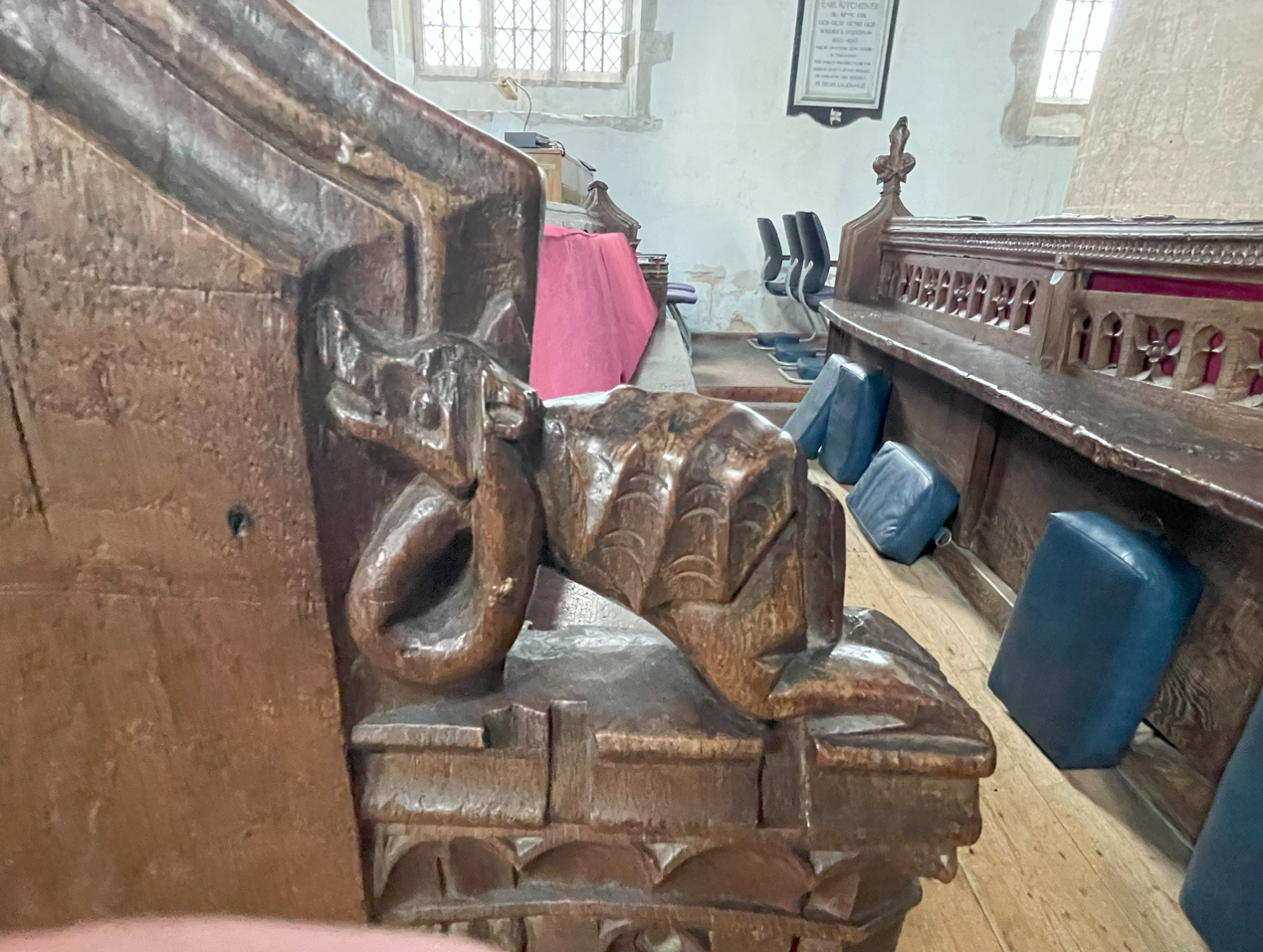
17
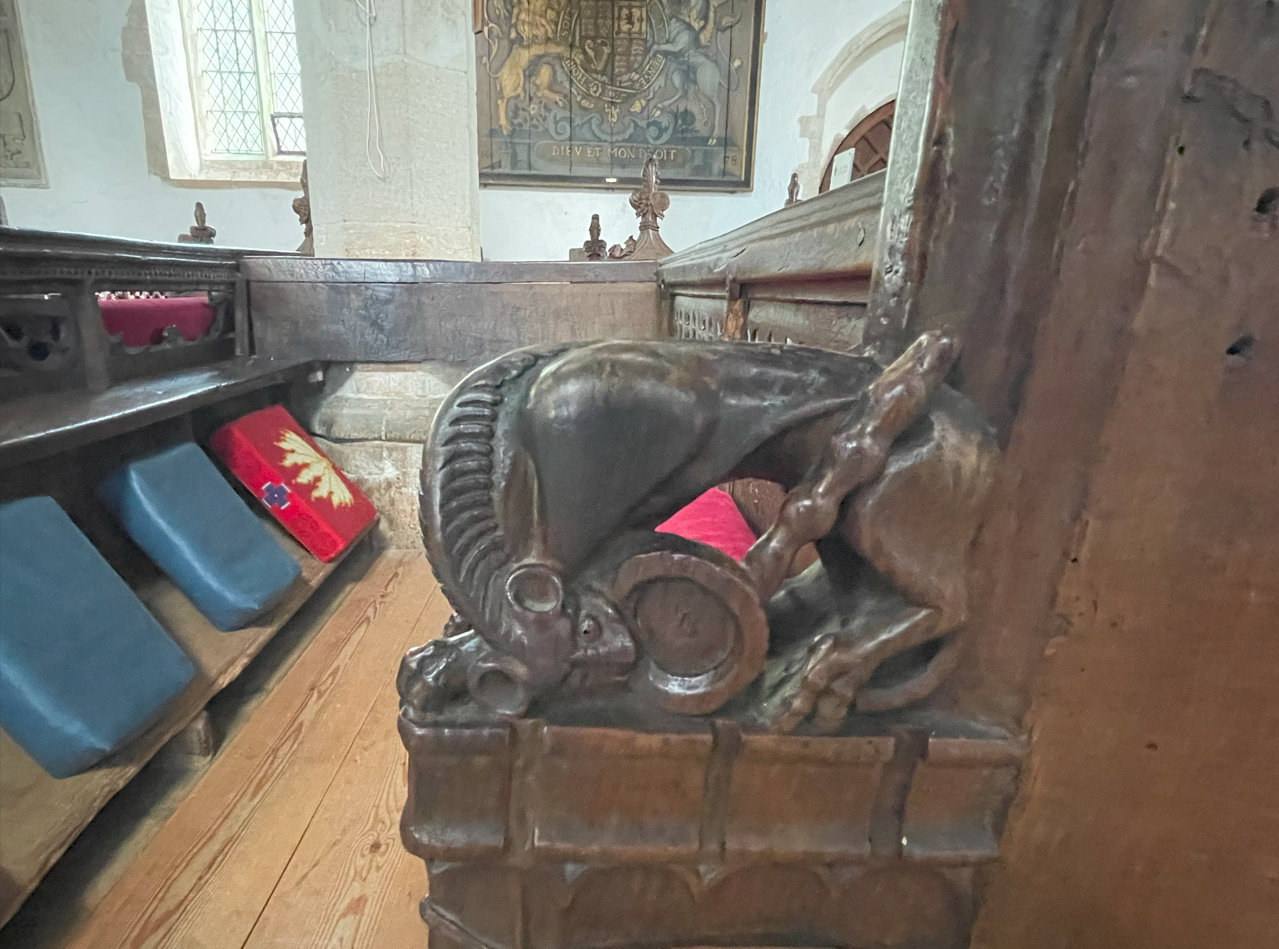
18
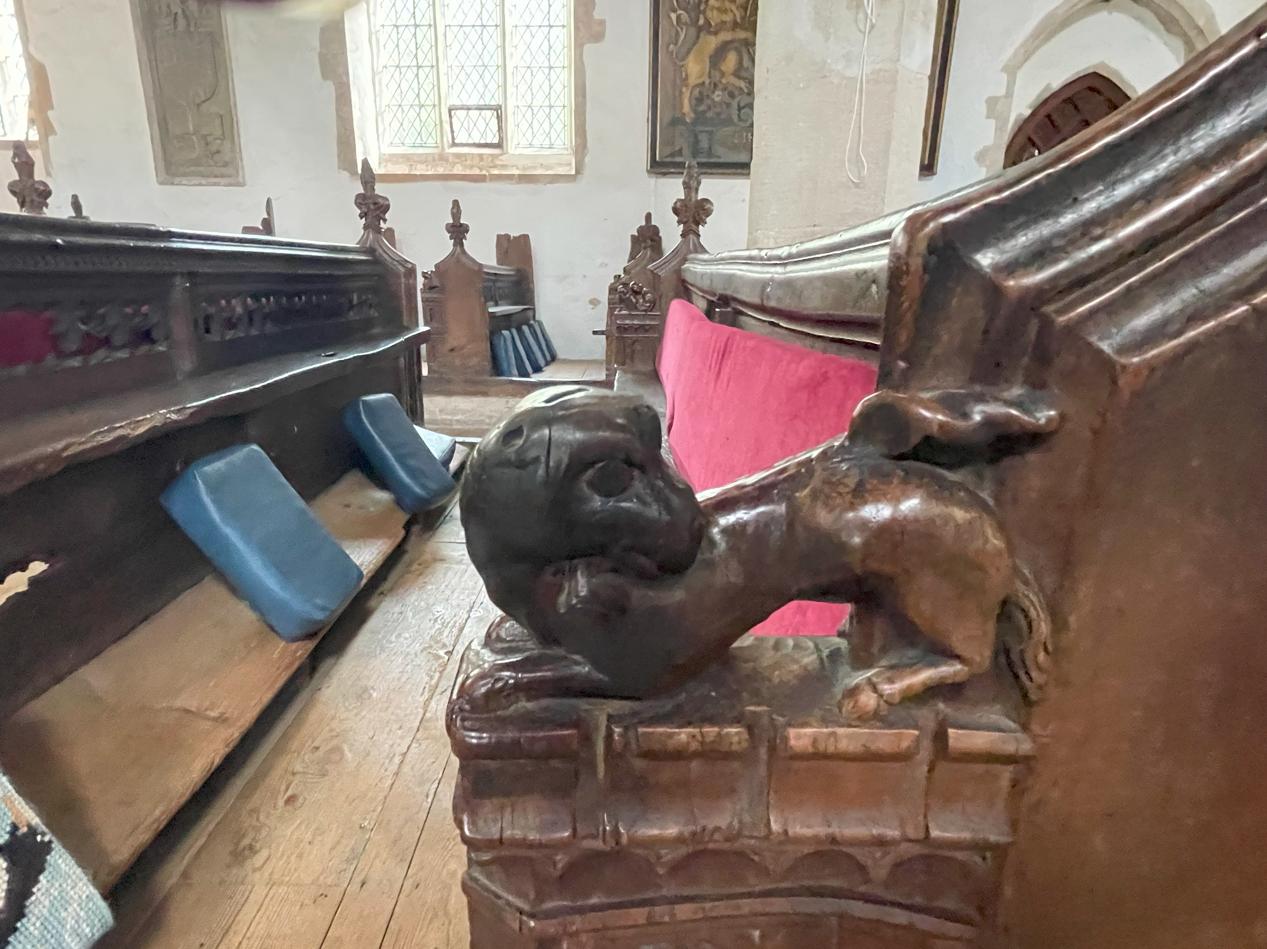
19
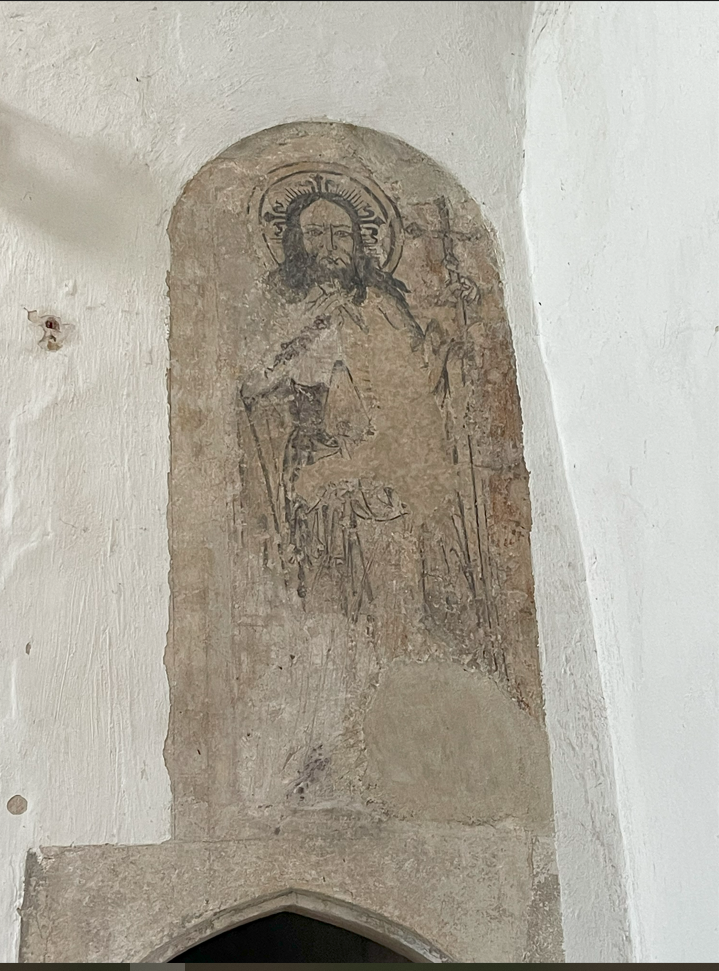
20
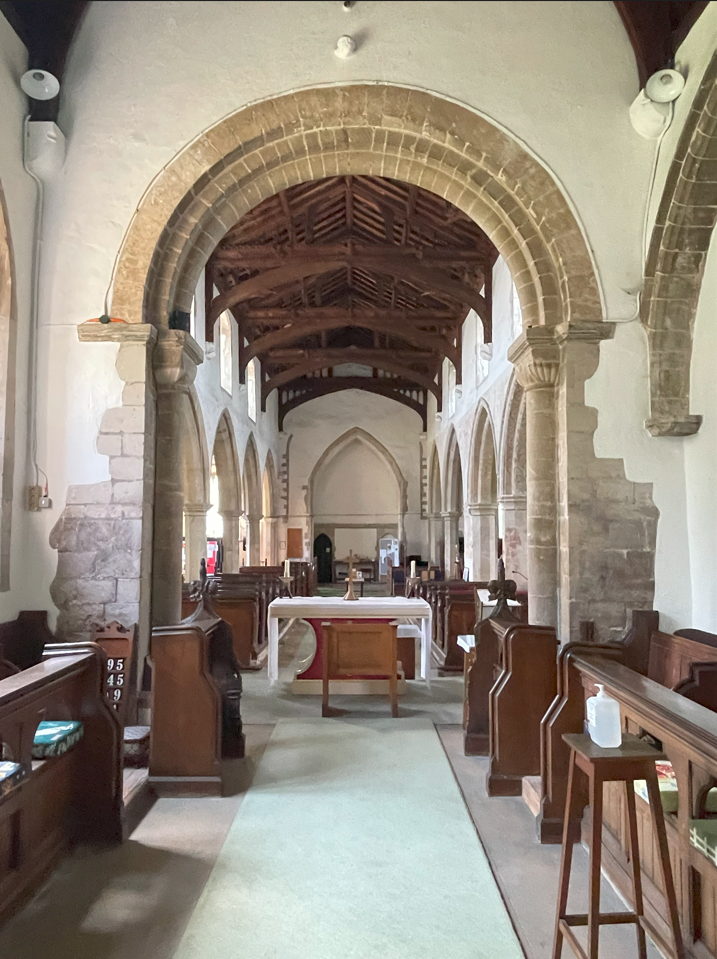
21
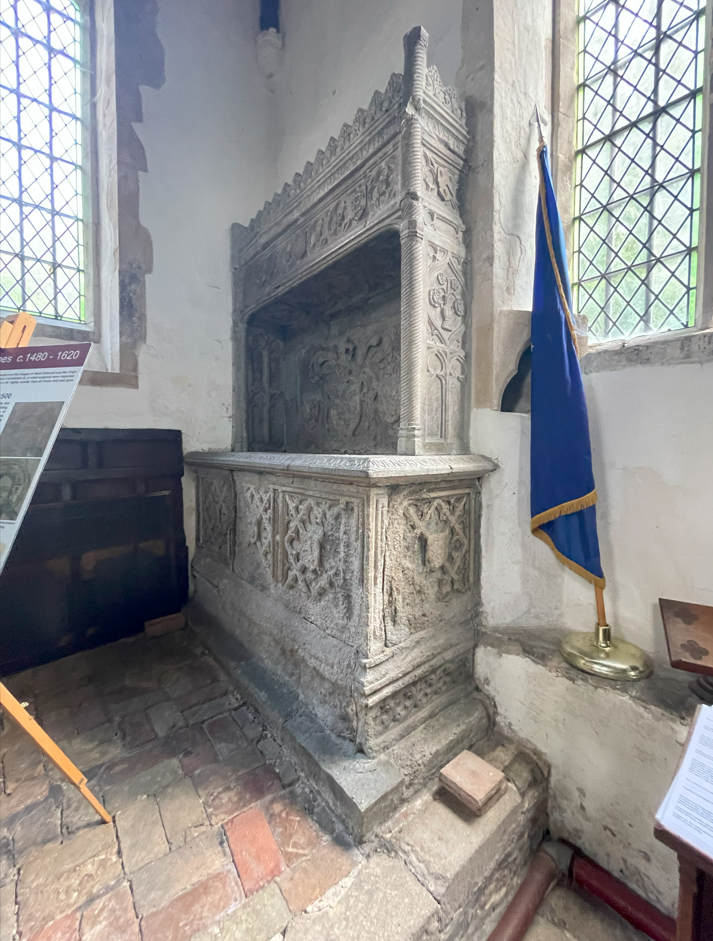
22
Slideshow Previous Button
This page is experimental - the "Previous" button is not working as it should. The slideshow is now in the notes section.
Top
Looking in the W3 reference I see that there is also a W3-slideshow() method. I will have to check this out.
The goal here is to hide and display controls depending on what state the slideshow it in.
I have seemed to fix the coding of the Previous button by moving it to the plusSlides() method function. I will have to
add this to the template when I get the hide/display working properly.
The logic:
- The "Next" and "Previous" should be initially hidden and display when the slideshow is paused
- The "Pause" button should be hidden when the slideshow is paused.
- The "Resume" button should be hidden if the slideshow is running automatically.
- The "Faster" and "Slower" buttons can be hidden when the slideshow is paused.